
Pakistan issues high-level cyber alert as hackers target WhatsApp Web and Desktop users
National CERT warns that hackers are impersonating government officials and sending malware disguised as official documents through WhatsApp Web, Desktop and email — here’s how to stay safe.
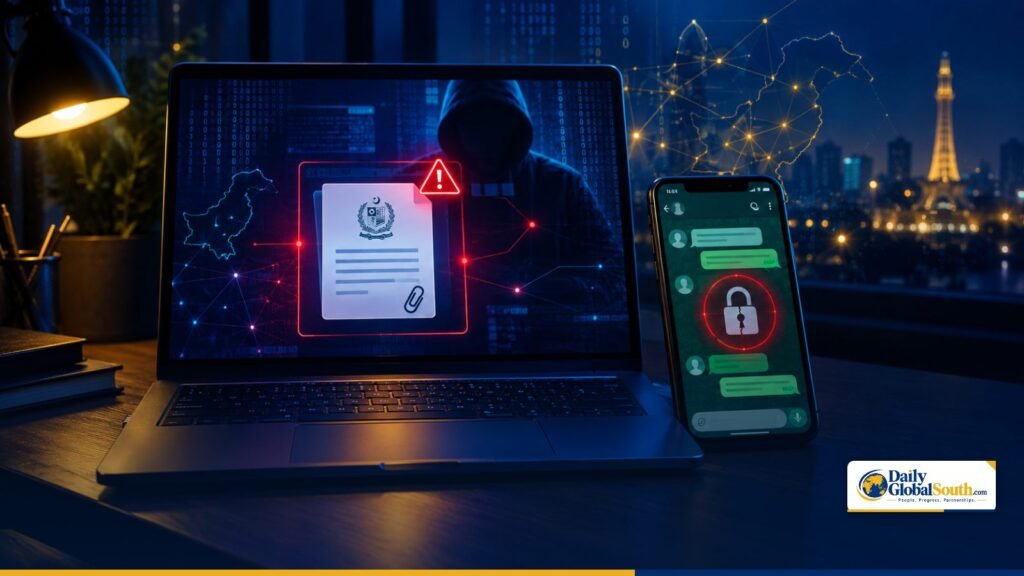
Pakistan’s National Cyber Emergency Response Team (National CERT) has issued a high-level cybersecurity alert warning that hackers are targeting users of WhatsApp Web, WhatsApp Desktop and email with phishing messages and malware, with government officials and people handling sensitive information said to be most at risk.
The advisory, reported by several Pakistani outlets on October 26, says attackers are impersonating government departments, officials and even trusted contacts, and sending malicious files disguised as important official documents.
How the attack works
According to the alert, the malicious attachments are designed for computers running Windows. If a user opens and runs one, attackers can gain remote control of the computer, steal saved passwords and access confidential data.
The advisory also warns about WhatsApp Web session hijacking. Once a criminal gains access to an active web session, they can read chats and send messages from the victim’s number — a tactic widely used to trick friends, family and colleagues into sending money or sharing verification codes.
Warning signs include unexpected files or links from known contacts and unfamiliar devices appearing in WhatsApp’s Linked Devices list.
Not a WhatsApp ban
The alert does not ban WhatsApp. Its strictest advice is for officials who handle sensitive information: they should stop using WhatsApp Web and Desktop on Windows systems, and should not transfer files received on WhatsApp to official Windows computers.
A wave of account takeovers
The warning follows a string of WhatsApp-related cybercrime cases in Islamabad. On October 23, Bloom Pakistan reported that the WhatsApp account of a Pakistan Telecommunication Authority (PTA) employee had been hacked, and that two suspects were arrested near the capital’s Red Zone within hours. A PTA spokesperson clarified that the affected person was a junior employee, not a senior official. Earlier in the month, on October 10, the National Cyber Crime Investigation Agency (NCCIA) acted against a suspect accused of impersonating a member of a senior official’s staff on WhatsApp.
The NCCIA says that sharing one-time passwords (OTPs) is one of the most common reasons accounts are compromised. Fraudsters then use the hijacked accounts to impersonate officials and ask the victim’s contacts for money.
How to protect yourself
- Check Linked Devices regularly (WhatsApp → Settings → Linked devices) and log out of any session you don’t recognise.
- Turn on two-step verification in WhatsApp, and two-factor authentication on email and other accounts.
- Never share OTPs, PINs or verification codes — not even with someone claiming to be from a bank, PTA or a government office.
- Don’t open unexpected documents or links, even from known contacts. Confirm through a phone call or another trusted channel first.
- Keep Windows, browsers and apps updated with the latest security patches.
- If you suspect a compromise, disconnect the computer from the internet and local network, don’t reopen the suspicious file, and keep the messages and attachments as evidence.
Victims of online fraud or account hacking can report the matter to the National Cyber Crime Investigation Agency (NCCIA).
Sources: Daily Pakistan · Pakistan Observer · Bloom Pakistan · Bloom Pakistan (PTA case)
